


Senior Estimator, Parker Young
94%



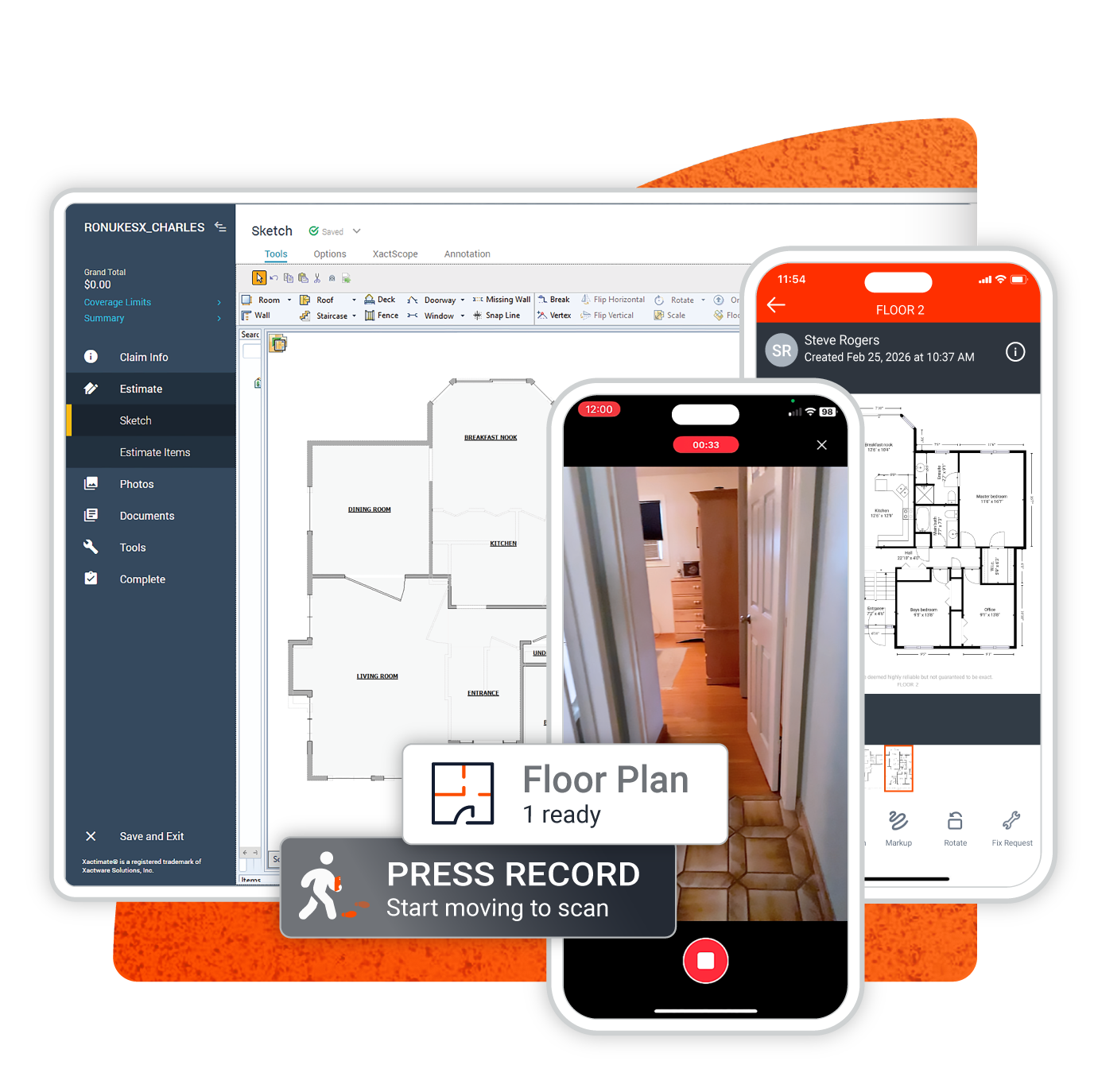
Encircle turns a simple smartphone video into a professional, Xactimate-ready floor plan in under 6 hours, so you can move straight into estimating.
With Encircle, we were able to get in and out faster, meeting the needs of clients more quickly while still delivering the thoroughness they expect from us.


It used to take an hour, now it takes minutes use your phone to create your sketches.



Hand sketching is inconsistent, messy, and slows down your most skilled crews
3D camera solutions come with expensive hardware, slow turnaround times, and unpredictable rush fees
LiDAR tools require specific devices and multiple scans stitched together
And… most solutions force a separate workflow for documentation and scoping

Encircle delivers accurate, professional floor plans so you can start your estimate on Day 1—without the hardware headaches
Encircle Floor Plan automates the hardest part of documentation. No training, no tripods, and no manual drawing required.
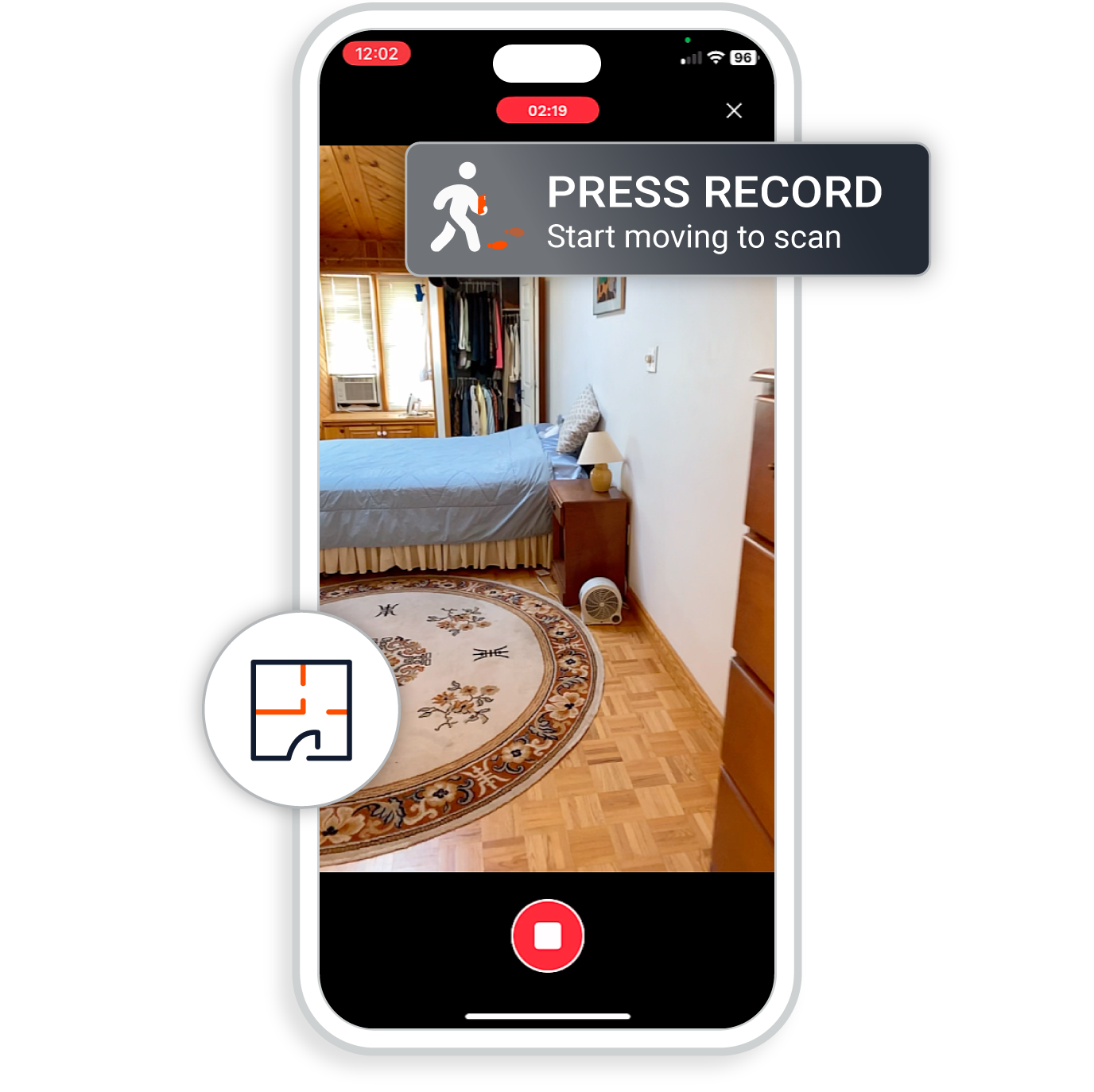
Point, walk, record. Capture a comprehensive property scan in as little as 5 minutes using just a smartphone. You don’t have to stitch rooms together or stop to set up a tripod every few feet. Just walk the property and we take care of the rest.
Start your estimates same-day. While other apps make you wait days for a sketch, or pay extra for rush delivery, Encircle delivers accurate floor plans in 2 hours on average. No need to sacrifice—you get speed and quality from one simple scan.
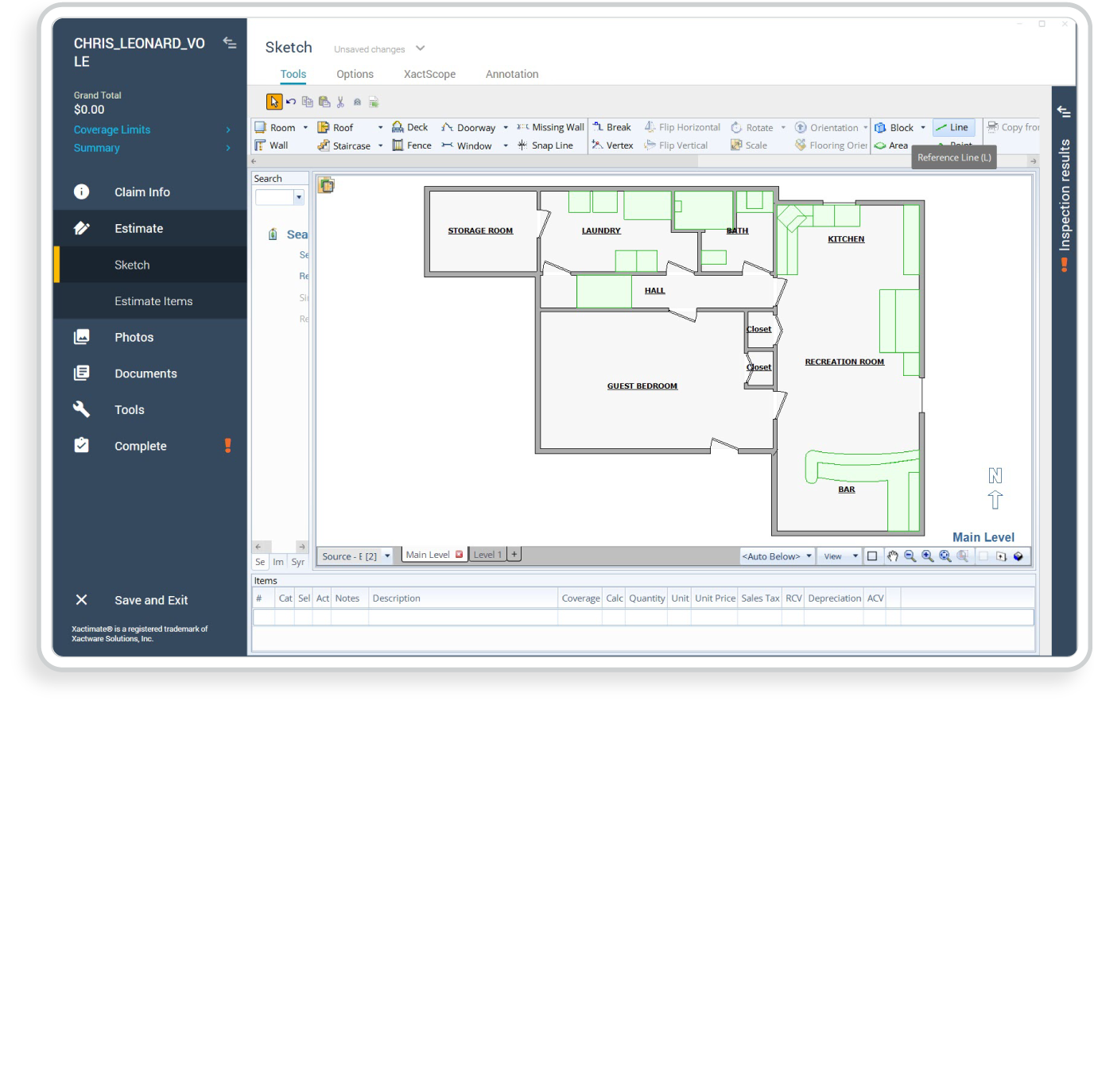
Stop tracing and start estimating. Don’t waste time drawing rooms in Xactimate. Import your Encircle Floor Plan direction into Xactimate to auto-generate a sketch. It includes walls, doors, windows and reference areas—ready for you to add line items immediately.
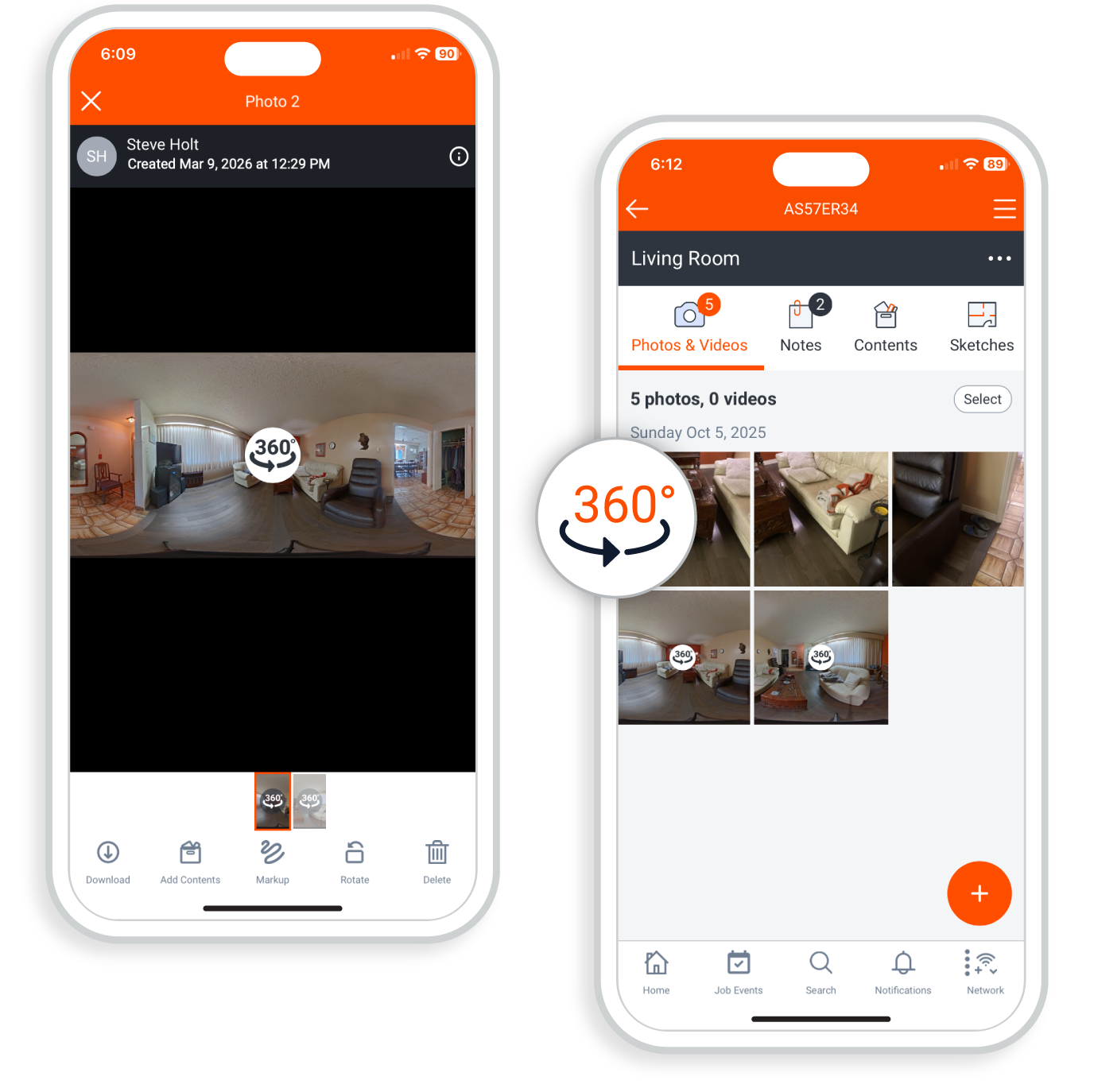
Stop paying for extra apps. Need 360° images too? You don’t need to pay for a separate app. Encircle supports 360° image capture with Ricoh Theta cameras. Add that to all of your other documentation like videos, notes and moisture readings and you’ve got yourself a complete file.
With hardware costs, tour fees, rush fees, and other unpredictable overage charges, a Docusketch bill really adds up. It’s a convenient workflow, but when you never know what you’re going to pay or when you’re going to get your sketch, is it worth it?
Magicplan is great for a single room sketch, but to get a full floor plan, it’s a clunky process. Your techs will spend more time on their phones in the field getting the sketch right than doing the actual restoration work.
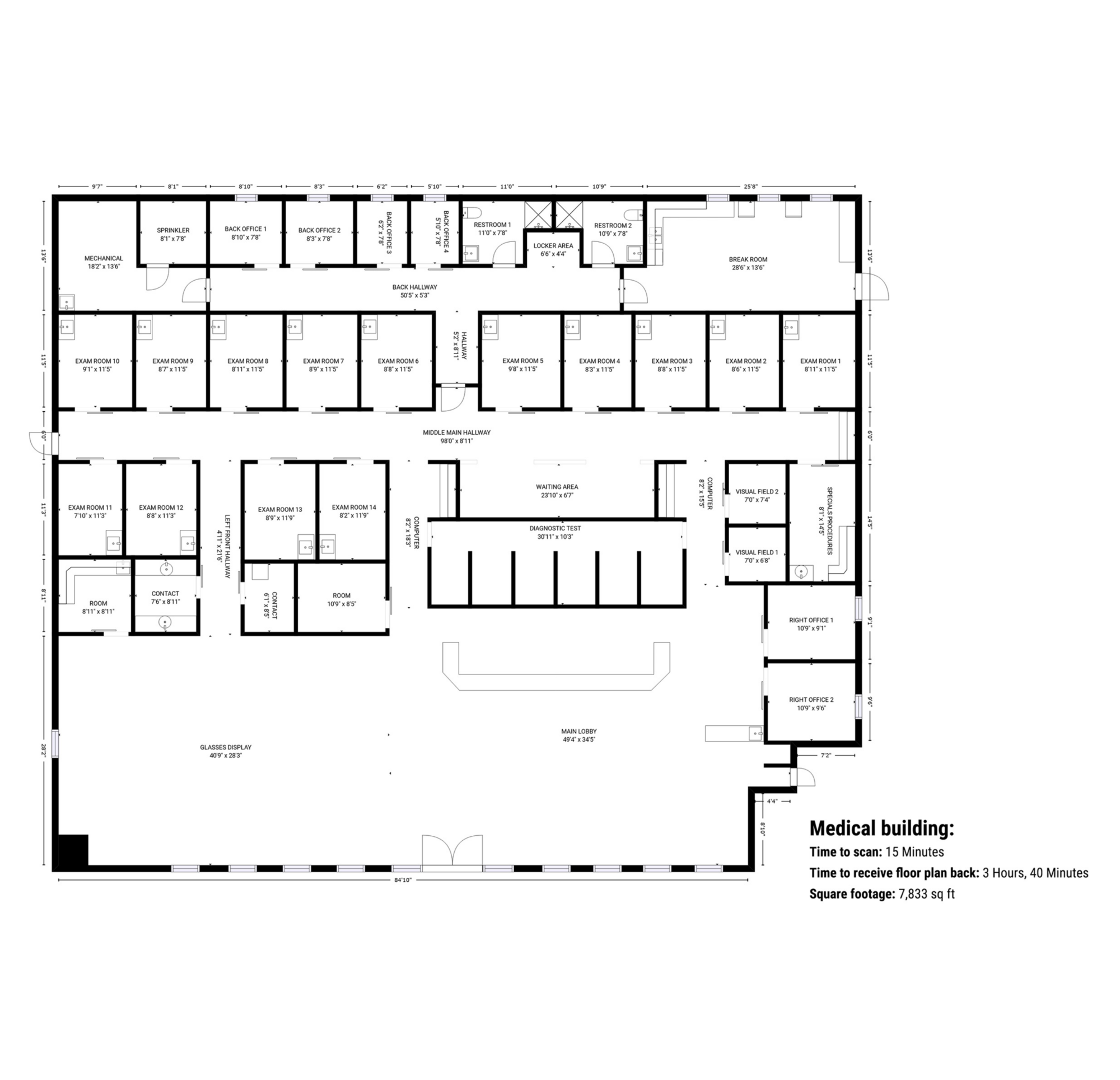
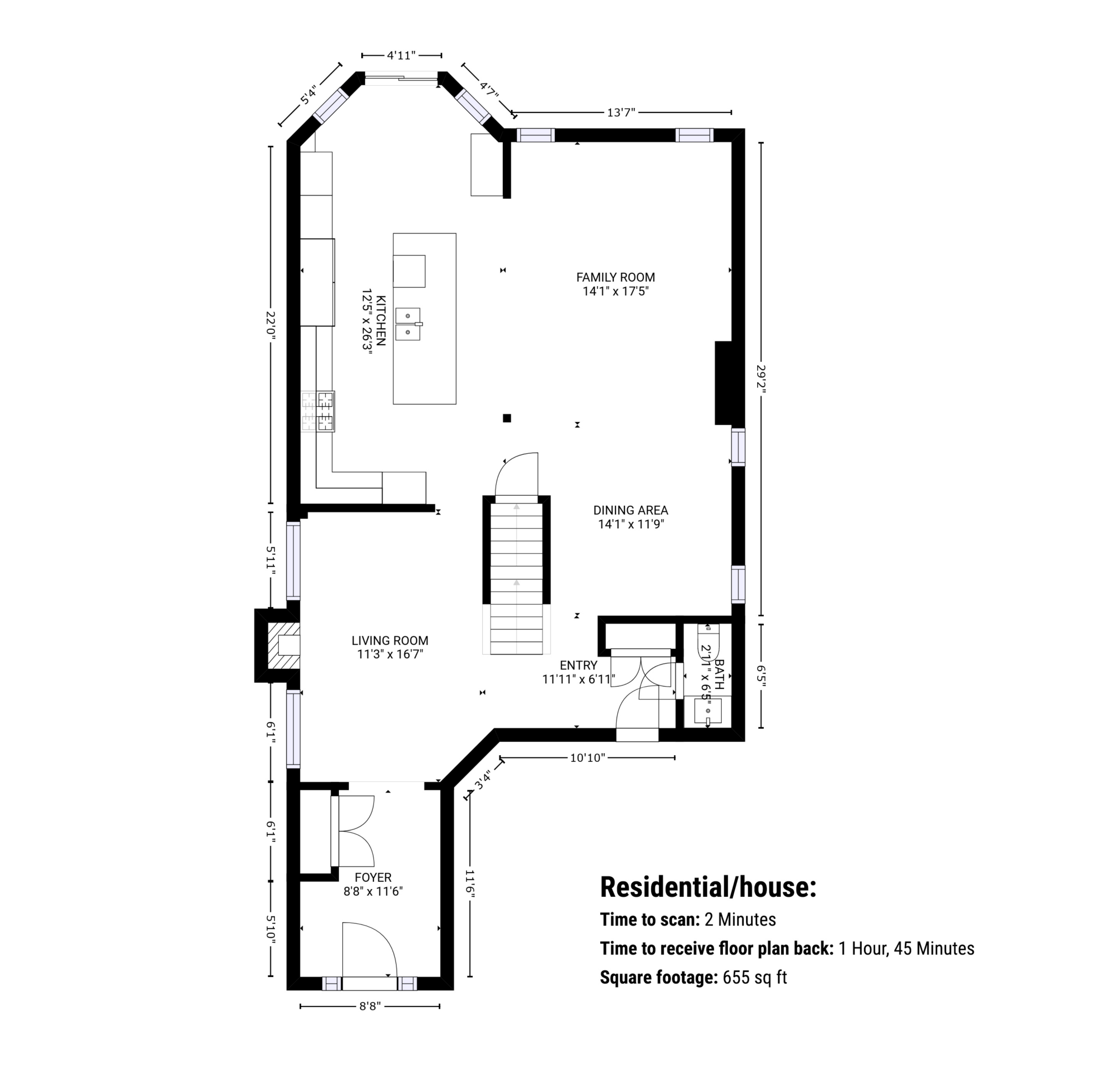
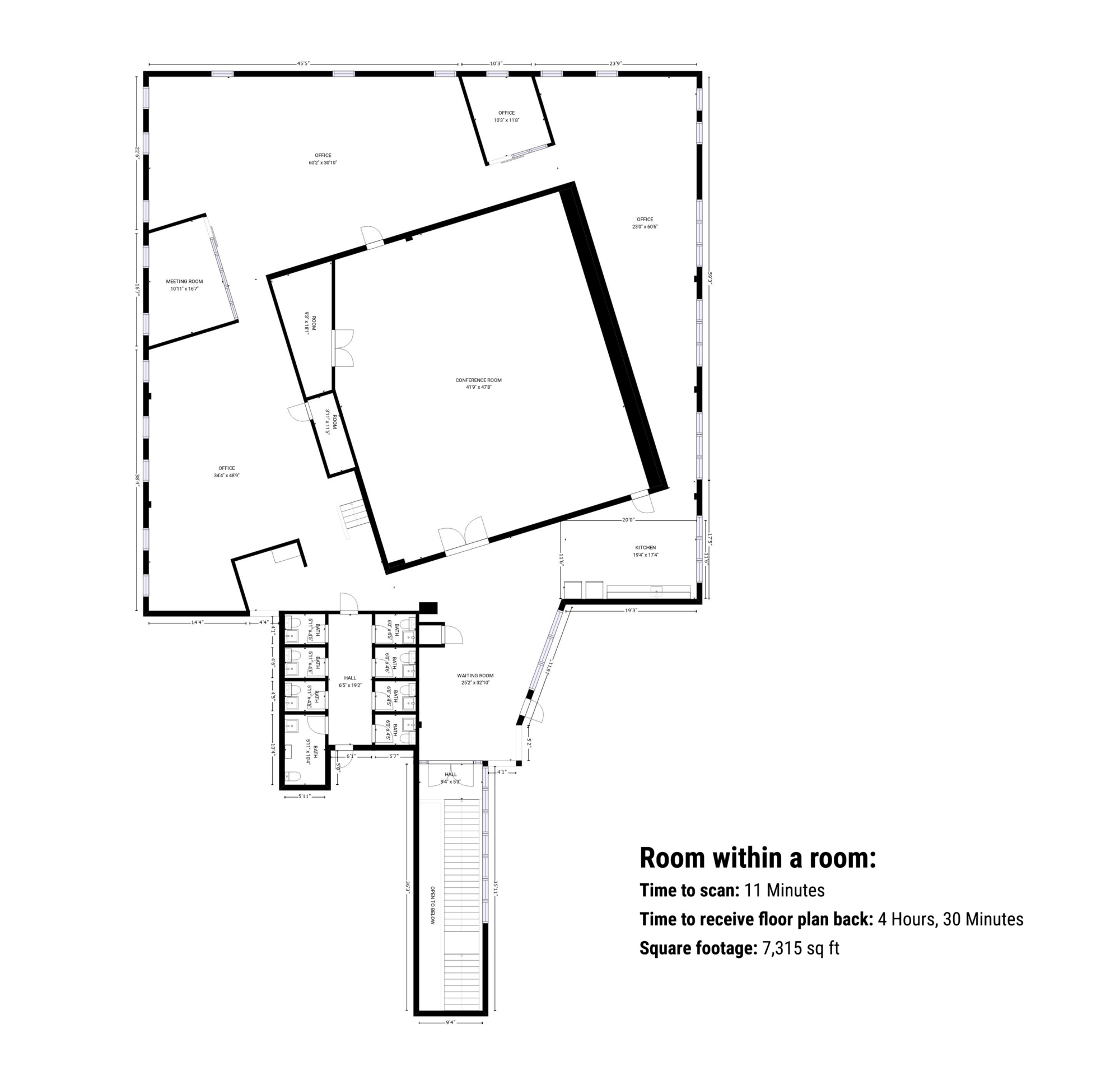

Zero training required. If they can record a video, they can scan a house with Encircle Floor Plan. Live user guidance ensures they get the scan right the first time, eliminating return trips to re-measure.
The result? Professional sketches from entry-level staff.
Skip the data entry. Stop trying to decipher scribbled notes and hand-drawn sketches that make no sense. You receive a clean floor plan with accurate dimensions that you can drop right into Xactimate. Focus on your line items, not drawing walls.
The result? Estimates go out 24-48 hours faster.
Consolidate your tech stack. Stop paying for a separate sketching app, a photo app, a moisture app and a contents app. Encircle does it all for a fraction of the combined cost.
The result? Lower overhead and higher profit per job.
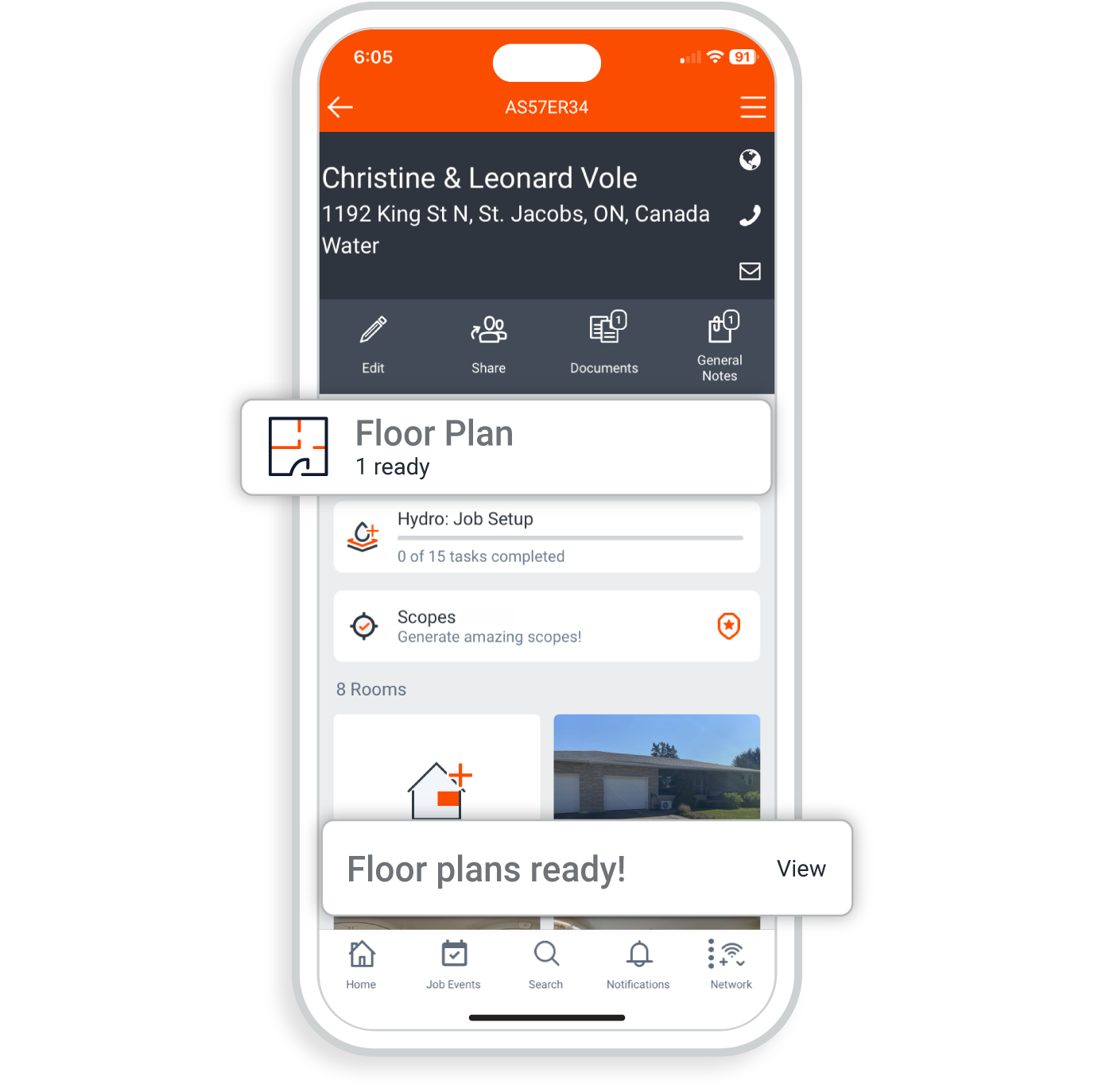
Encircle offers a 6-hour delivery guarantee, but our floor plans are returned in 2 hours on average. This allows restoration estimators to receive accurate, professional sketches and start their Xactimate estimates on the same day the property is scanned.
No. Unlike other solutions that require expensive tripods or specialized 360° cameras, Encircle Floor Plan works using just your smartphone. Simply point, walk, and record a video scan of the property.
Encircle features a direct Xactimate integration that allows you to import your floor plan to auto-generate a sketch in seconds. This automated process includes walls, doors, and windows, eliminating the need for manual tracing or hand-drawing rooms within Xactimate.
Yes. Our technology is designed for real-world restoration environments. You do not need to move contents or furniture; the system can "see through" clutter to calculate accurate room dimensions. As long as the technician can walk through the space and capture where the floor meets the walls, the floor plan will be accurate.
Encircle is an all-in-one platform, not a point solution. While DocuSketch often involves hardware costs and unpredictable monthly fees, Encircle provides faster delivery using your smartphone.
Yes. To capture multiple levels, simply continue your video scan as you walk up or down the stairs. The technology detects the change in floor level and delivers a 2D floor plan with separate, clearly labeled images for each floor. We recommend starting on the lowest level and working your way up for the best results.
Every Encircle Floor Plan includes highly accurate room dimensions. You can choose to receive your floor plans in either imperial (feet and inches) or metric (meters and centimeters) based on your specific app preferences.
Encircle is built to handle everything from small residential water losses to large commercial losses up to 10,000 square feet. Because you don’t have to stop and set up a tripod every few feet, you can scan thousands of square feet in just a few minutes, making it the most efficient sketching tool for large jobs.
Encircle Floor Plan is an add-on feature to the Encircle field documentation platform. This ensures your sketches, photos, moisture readings, and notes are all linked in one secure file. To access our sketching tools, you will need an Encircle account. You can try Encircle for free for 14 days, including 5 free floor plans.
Get the only floor plan tools that gives you ease of use, consistency, and 6-hour turnaround and instant Xactimate integration.