


In June 2026, we shipped Scan-to-Pack QR Codes so you could kill box naming guesswork and messy sharpie handwriting at the source. That solved pack-out inefficiencies, but it didn’t solve what happens after.
On August 12th, we’re shipping the next piece: Scan-to-Track. It’s the same QR codes you’re already printing—now doing a lot more work. Scan a box into a location. Bulk-move a truckload in one tap. Point your phone’s native camera at a box label sitting in the corner of a vault and know exactly what’s inside it and which job it belongs to. Plus a new Item Inventory Manager on the web that finally makes finding one item in ten thousand fast.
No more calling the shop to ask what’s in vault twelve. No more wondering if that box actually made it off the truck.
What Scan-to-Track does
Scan-to-Pack made packouts more efficient – consistent labeling and organization of boxes, . Scan-to-Track solves everything after the box is sealed: where it went, who packed it, and where every last item inside it is.
We rebuilt the Locations page and gave every box its own page in Encircle. Both are built around QR codes, so tracking a box takes a simple camera scan, not a spreadsheet entry.
What Scan-to-Track does

New box page: A single home for everything about a box—location, type, QR code, who packed it, every item inside, and a rollup of dispositions and rooms.
Scan to open: Scan a box’s QR code and its full page opens instantly. No searching, no scrolling.
Bulk disposition updates: Set every item in a box to discard, clean or any other disposition with one click—not one item at a time.
Bulk move between boxes: Moving items to a new box (common in cleaning workflows, where the original box is soiled) takes a scan and a click. The old box stays on record so your box counts stay accurate.
Scan multiple boxes into a location: Open a location, keep the scanner running, and bulk-scan every box going into a vault, truck or storage rack in one pass.
Manual bulk location moves: Emptying a truck you already know the contents of? Move every box to a new location in one click, no rescanning required.
Live box counts per location: See at a glance how many boxes are supposed to be in a location—so if three came off the truck and only two got scanned, you catch it on the spot.
Duplicate protection stays intact: Every QR code is unique. Try to scan a box into the wrong claim and Encircle flags it before it happens.
Native camera scanning: Point your phone’s regular camera at any QR label—no need to open Encircle first—and it opens straight to that box inside the app.
Tagged items: Individually tagged items (not boxed) can get their own box type, so they’re tracked the same way without cluttering your true box counts.
Works offline: QR code scanning, box moves and location updates all work with no signal on-site. Everything syncs the next time you’re connected.
A real home base for contents on web: Item Inventory Manager
Right now, finding one item on a big claim means loading the spreadsheet page and waiting for thousands of items to load. The new Item Inventory Manager (IIM) fixes that.
It’s a fast loading table of every item on a job: thumbnail image, location, box ID, disposition and description, all visible without a single spreadsheet formula. Search “wedding dress,” filter to items missing a disposition, or filter to items missing a description entirely—IIM flags exactly what’s incomplete so nothing falls through before the report goes out. Click into any item and it opens straight to the field that needs fixing.
Search gets even better paired with AI Item Descriptions. The more items that have an AI-generated description attached, the more searchable detail—brand, color, condition—you’re working with, so finding one specific item in a sea of boxes gets faster too.
IIM becomes the new default page for contents on the Encircle web app starting August 12th. Spreadsheet isn’t going anywhere—it’s still there for the workflows that depend on it. IIM is just the faster front door.
How it all fits in your workflow
In the field (mobile app):

Pack and scan like you already do with Scan-to-Pack QR codes

Scanning into a location? Open the location, keep the scanner running and bulk-scan boxes as they come off the truck

Moving items between boxes for cleaning? Scan the new box, confirm the move—old box stays on record for your counts

Found a box with no idea which job it belongs to? Open your phone’s native camera, scan the label, and it opens the job in Encircle
Pro tip: Print a stack of generic QR codes (i.e. with no job-specific info on them and keep them in your cleaning area or go-bags). If you run out of job-specific labels mid-pack, switch to the generic labels to finish the job without interruption.
In the office (web app):
Open Item Inventory Manager to see every item on the job at a glance
Filter to anything missing a disposition or description and knock it out before the report ships
Search by item, disposition or location to find exactly what you’re looking for
Open any box page to see who packed it, what’s inside and where it is now
Pro tip: Set up your locations (vaults, trucks, storage units) before the job starts. Scanning boxes into a location you’ve already named takes seconds—naming one on the fly slows the crew down.
Built-in quality control
Most shops are already tracking boxes somehow—a whiteboard, a radio callout, someone’s memory. It holds up until a box gets missed.
Box counts catch what a headcount misses: If a location should have six boxes and only five got scanned in, you’ll see it before the truck leaves
Know who packed it: Every box shows who created it, so accountability doesn’t depend on asking around
No more warehouse phone tag: Scan a box on arrival and know what’s inside before it’s even opened
Nothing to memorize: The system runs on unique codes, not naming conventions—so training a new hire takes minutes, not weeks
“Since we’ve started this QR process, we haven’t had a situation where we’ll go deliver a pack back and we’re missing items.”
Ahsan Khan
President and CEO, MyContents
Designed for real teams
Field techs scan a box into a location and move on—no separate log, no double-checking later
Office staff can see exactly where a box is and what’s in it without a call to the crew
Warehouse staff scan a box on arrival and know what’s inside before they open it. One beta customer went from needing three people to run a vault inventory sheet by hand to just one or two people scanning boxes straight onto the racks
This is just the start
We got started in the contents documentation biz 14 years ago and we’re not stopping. Early work is already underway on smarter capture modes for the field—Snap for quick one-photo items, Inspect for detailed multi-photo documentation with model and serial number pulled straight off data tags, and Arrange for splitting one photo of multiple staged items into individual entries. We’re also investigating AI-generated measurements and a new AI-powered replacement pricing engine. None of it has a firm ship date yet—we’ll share details as each piece takes shape.
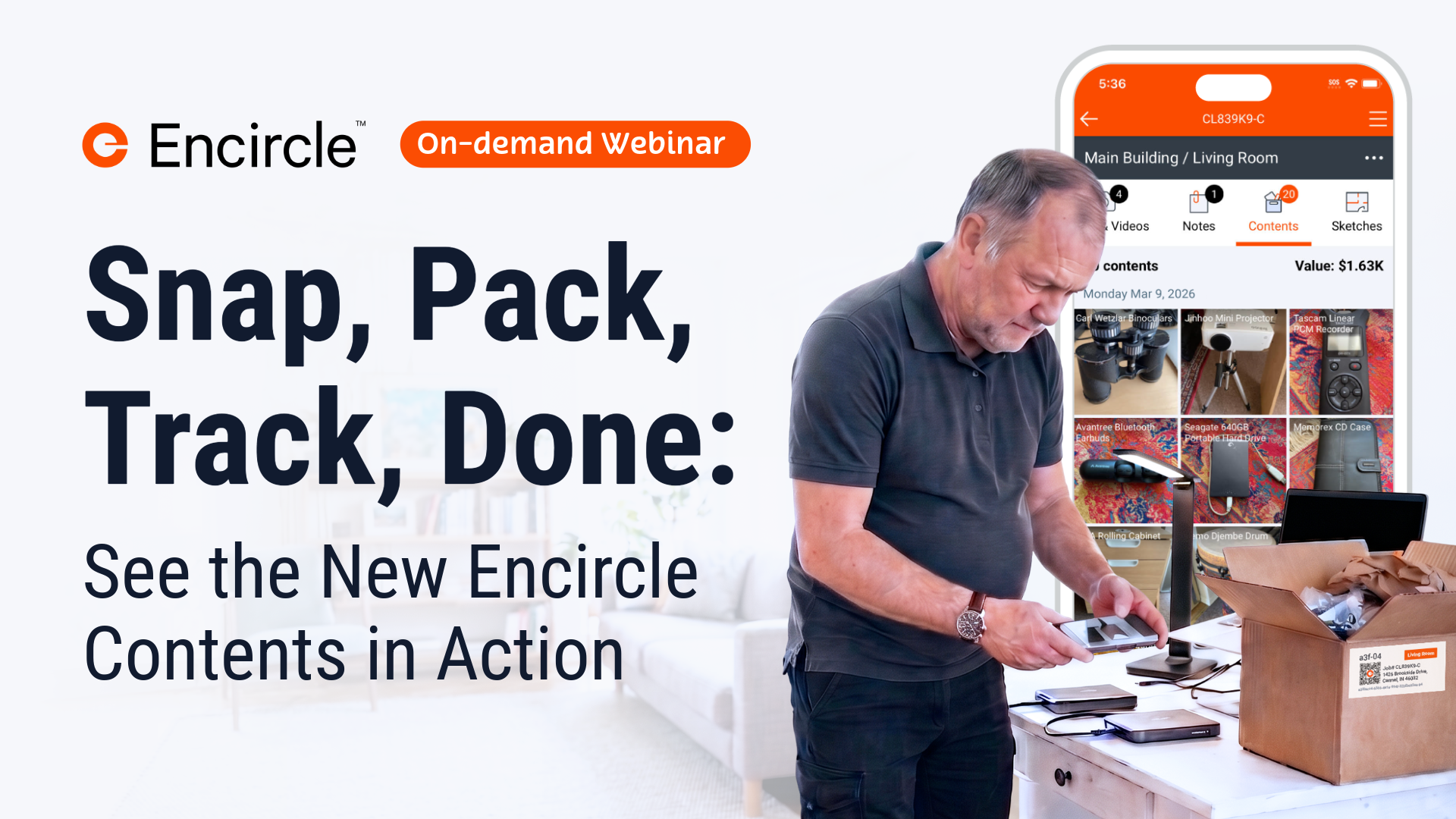

See the new Encircle Contents
After our recent Contents webinar, we surveyed attendees—and 90% of respondents said they’re confident Encircle has, or will have, the tools they need for their contents operations.
Getting started with Scan-to-Track
Scan-to-Track and Item Inventory Manager rolls out to all customers on August 12th. Simply log in and start scanning, it’s already included in your subscription.
Not yet using Encircle Contents? It’s included in your Encircle plan—check out the Help Center, the Learning Hub, or talk to your Account Manager to get set up.
Not yet an Encircle customer? Start a free trial today and get 14 days of the full Encircle field documentation platform, Encircle AI features and five free Floor Plans.
Frequently asked questions
No. The same labels you’re printing today for Scan-to-Pack work for Scan-to-Track. Nothing changes about how you generate or print them.
It stays on record. This matters for cleaning workflows especially—your original box still counts toward your box counts even after everything inside it has moved.
No. Native camera scanning opens the Encircle app to that box, but the person scanning still needs an Encircle account and permission to access that claim. Finding a box doesn’t mean anyone can see inside it.
No. Item Inventory Manager becomes the new default page for contents on web, but spreadsheet stays exactly where it is for anything that depends on it.
Yes, for now—locations live at the claim level. We’re working on making locations reusable across claims so you won’t have to rebuild them every time.
Yes. Scan-to-Track and Item Inventory Manager are part of Encircle Contents, included in your Encircle plan. Check the Help Center or talk to your account rep if you’re not sure Contents is active on your account.
Put your data to work with Encircle AI✦
Learn how Encircle can help you and your field teams ease the documentation burden.