Skip to content

Encircle Office Admin Tools

From first contact to final payment

Encircle connects your field data syncs with your back-office workflows. Capture signatures, track job milestones, send digital forms, and get paid faster—all without leaving the Encircle platform.

Our field teams can capture job site details while office staff access the same information instantly. This eliminates delays and ensures accurate, organized do…

Taylor Gonneau
Project Manager, Complete Restoration Services

Our field teams can capture job site details while office staff access the same information instantly. This eliminates delays and ensures accurate, organized documentation, which is crucial for faster claim approvals and settlements.

Taylor Gonneau
Project Manager, Complete Restoration Services

The data captured in the field syncs immediately to the office, so on the administrative side, there’s never any waiting around to be able to start working.

Nicole Stone
Owner, Rytech of Ventura County

Encircle provides the perfect centralized hub for our business. We get a full overview of multiple departments and projects within the company.

Emma Carroll
Office Manager, Pure Restore

Administrative overhead is eating your margins

Built for high-speed restoration admin

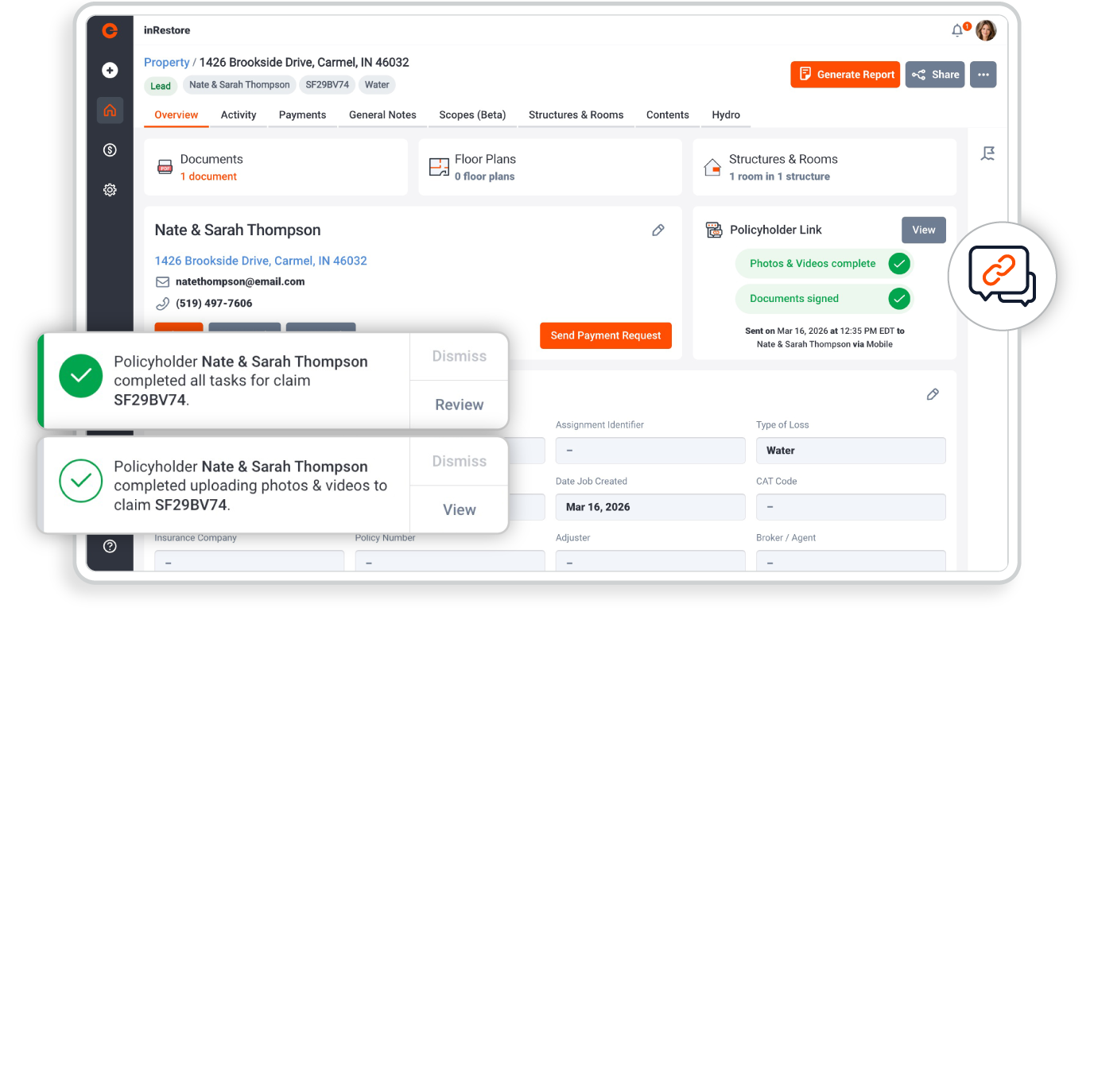
Get eyes on the loss in seconds. Use Encircle Link to request photos and videos from the property owner as soon as they call. Triage the job remotely to ensure you send the right crew and equipment.

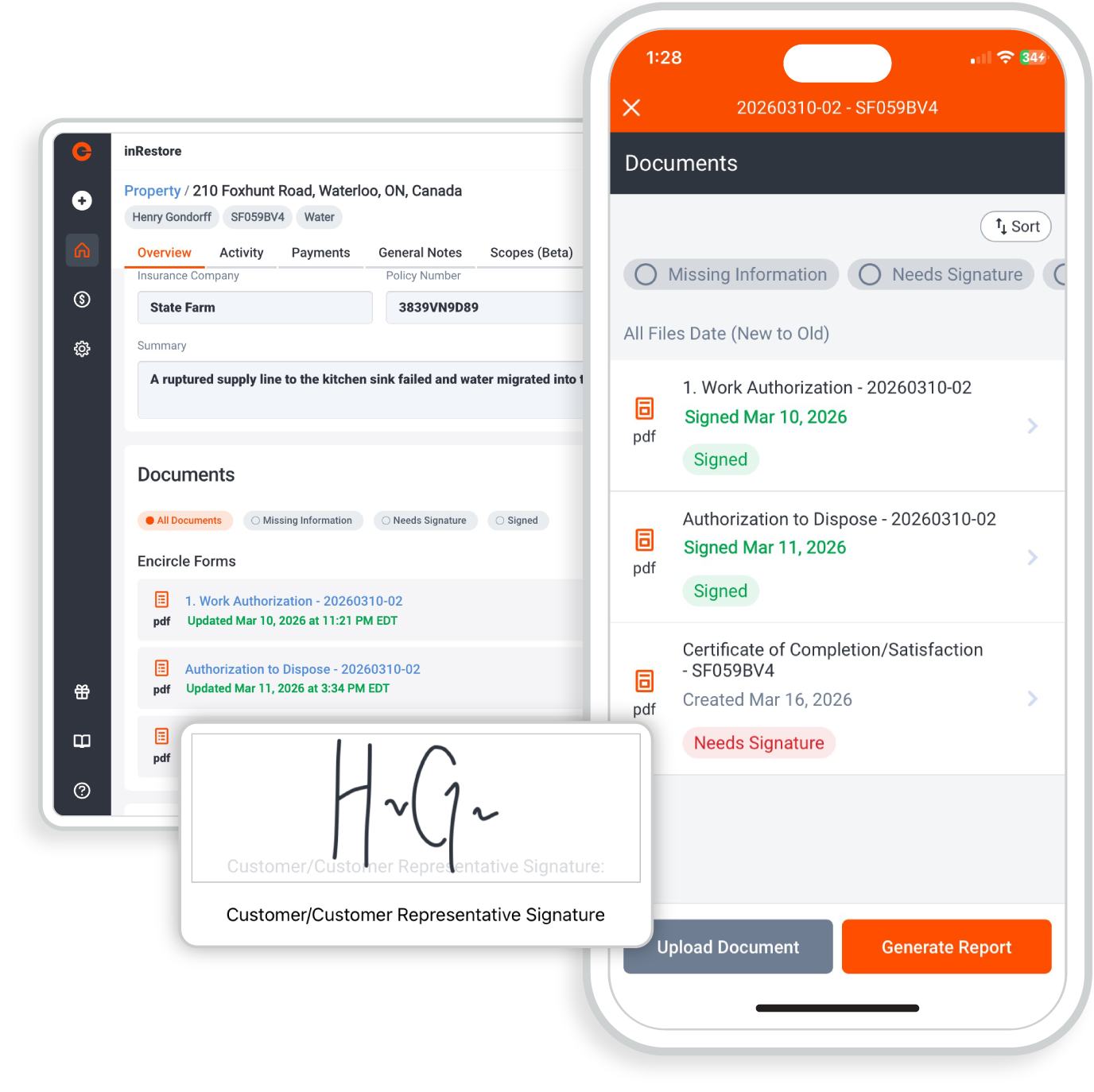
Send Work Authorizations, Change Orders, and COSs to customers via text or email or have them sign directly on your device in the field for instant e-signatures.

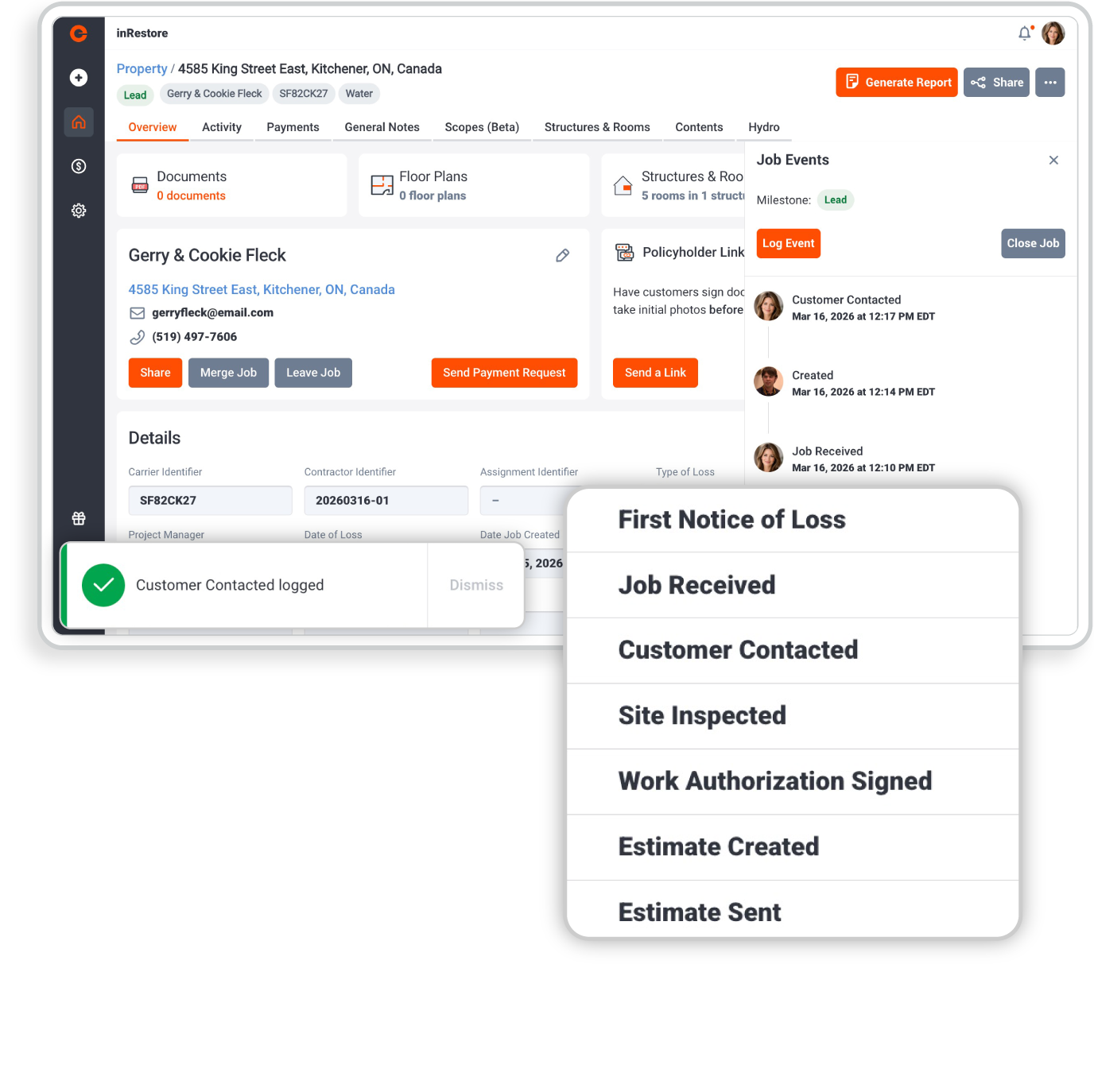
Give everyone visibility into job progress by tracking key events—like when the crew arrived, when mitigation started, or when equipment was pulled. No more calling the crew to see where a job stands.

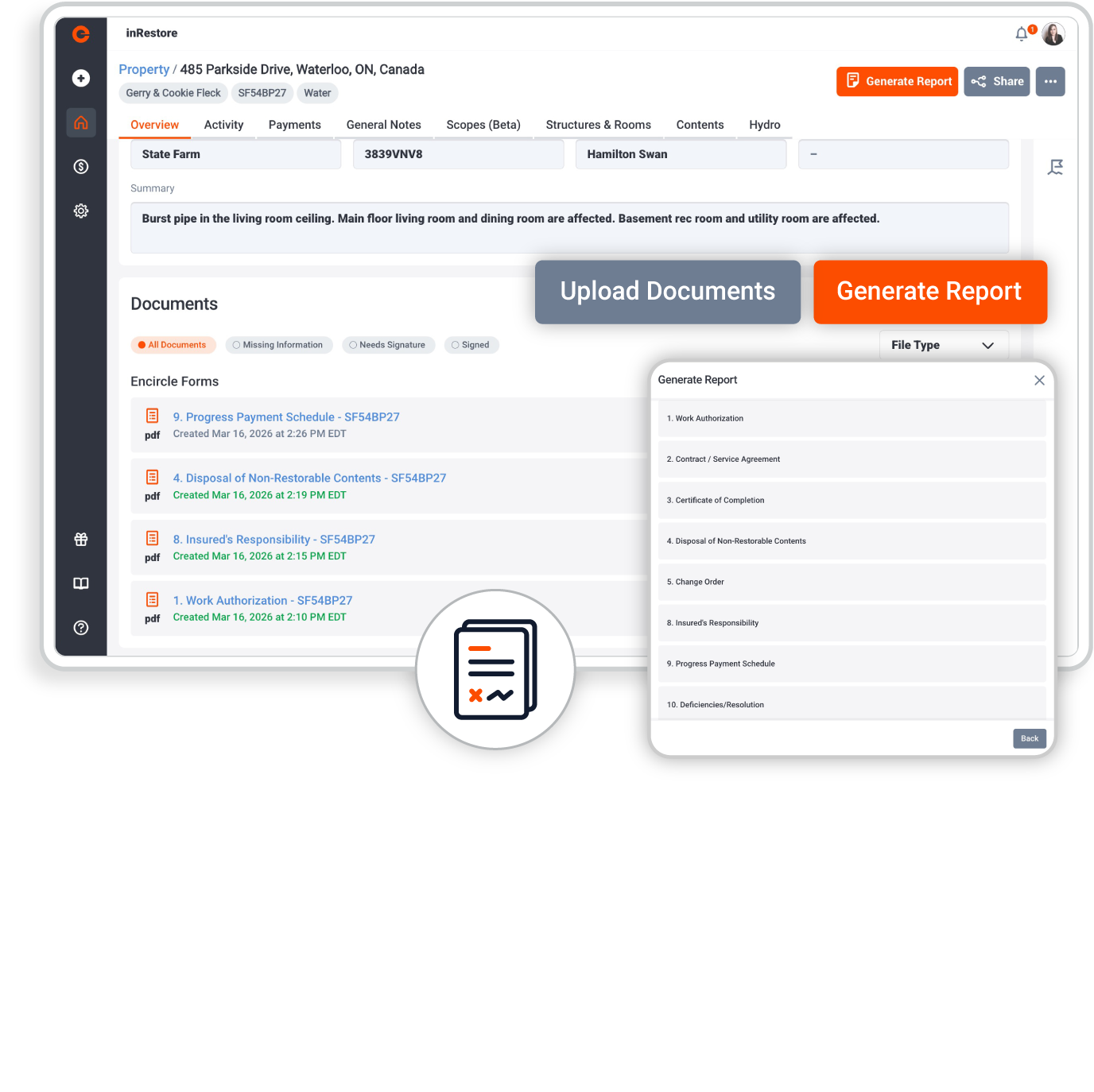
Replace paper contracts with smart, digital, and mobile-friendly forms. Have us build your custom forms and contracts into Encircle so they are at your finger tips on every job.

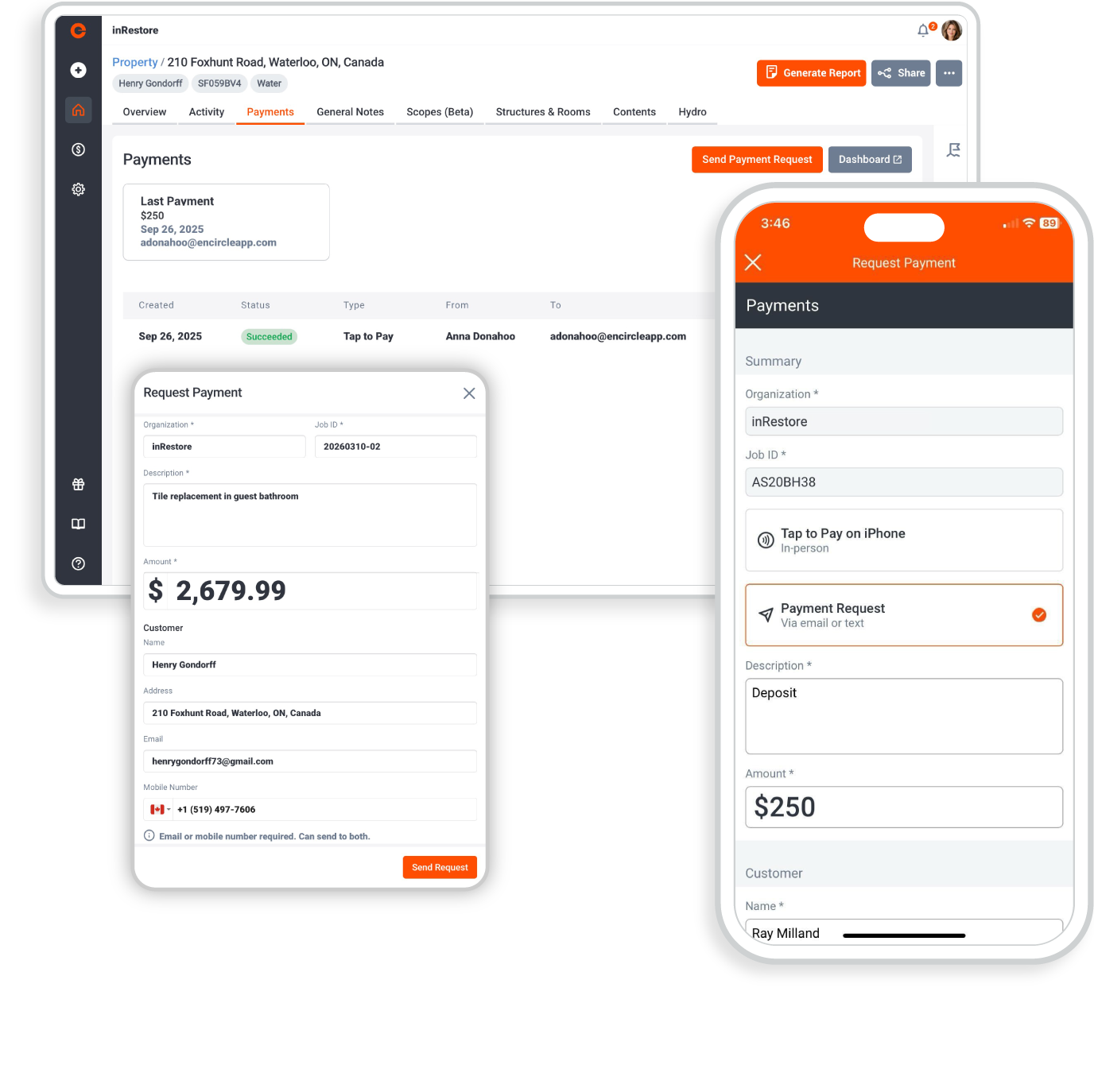
Secure payment before you place any equipment. Have the customer tap to pay or send a payment link directly to them. No hardware, no extra apps, and no more chasing checks.

Experience the Office Admin toolset

Payments

Accept and manage payments with ease. From invoicing to tracking transactions, everything you need to stay on top of your cash flow lives in one place.

Link

Send documents for review and signature in seconds. Share secure links, collect approvals remotely, and keep everything moving without delays.

Forms

Turn your paperwork into smart digital forms. Capture information, automate data entry, and collect signatures—anytime, anywhere.

One platform for every role with total transparency

Office managers

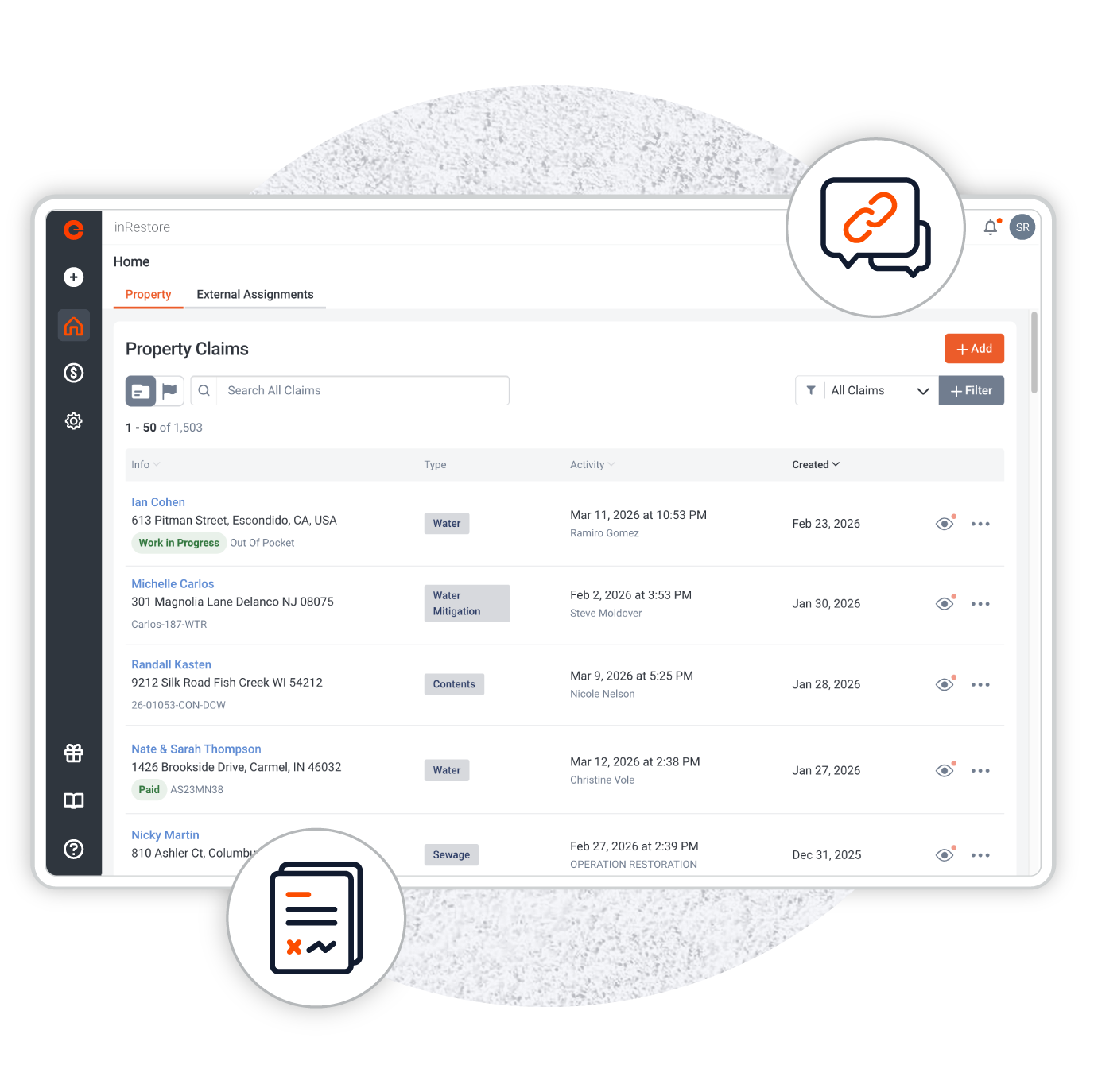
Take control of the chaos. Use Job Milestones to see a bird's-eye view of every active project. Automatically organize incoming digital forms and signed contracts directly into the digital job file—no scanning or uploading required.

Field technicians

Focus on the work, not the paperwork. Complete custom forms on-site and send Encircle Links to homeowners for instant signatures. When the admin work is this easy, it actually gets done.

Owners and executives

Protect your cash flow. By integrating payments and remote signatures, you reduce the time between "Job Done" and "Money in Bank." Standardize your admin process so every job meets your company's compliance standards.

Frequently asked questions

Encircle Job Events and Milestones allow restoration companies to track critical points in a job's lifecycle—such as "Crew On-site," "Mitigation Complete," or "Equipment Pulled." This provides real-time visibility for office staff without needing to call the field technician for updates.

Yes. Encircle’s Custom Digital Forms tool allows you to convert any paper form—such as safety checklists, equipment logs, or specialized inspection sheets—into a digital format that field crews can complete via the mobile app.

Using Encircle Link, you can send documents like Work Authorizations or Certificates of Satisfaction directly to a customer’s smartphone via text or email. They can sign digitally on their screen, and the signed PDF is instantly saved to the job file.

Yes. Encircle uses secure, industry-standard e-signature technology that is legally binding and creates a clear audit trail, ensuring your contracts and authorizations hold up under scrutiny from carriers or legal counsel.

Encircle Payments allows you to send a secure link to the policyholder via text or email. They can pay their deductible or the full invoice amount using a credit card or ACH transfer. The payment is tracked directly within the Encircle job file.

No. Encircle Payments is entirely digital. There is no need for credit card swipers or extra hardware. Customers enter their payment information securely on their own devices.

Yes. Encircle Link allows you to share a "read-only" view of specific job details, photos, and documents with external stakeholders, keeping everyone on the same page without granting them access to your full internal database.

By enabling instant remote signatures and digital payments, Encircle removes the friction that causes billing delays. You can get a Work Auth signed before the crew starts and collect the deductible the moment the job is finished, significantly lowering your DSO.

Yes. Technicians can fill out digital forms and capture signatures while offline. The data will automatically sync to the office as soon as the device regains an internet connection.

Absolutely. In high-volume CAT situations, admin work is usually the first thing to fail. Encircle’s admin tools allow you to maintain strict documentation and signature standards even when your teams are handling an influx of claims.

Ready to stop chasing paperwork?